
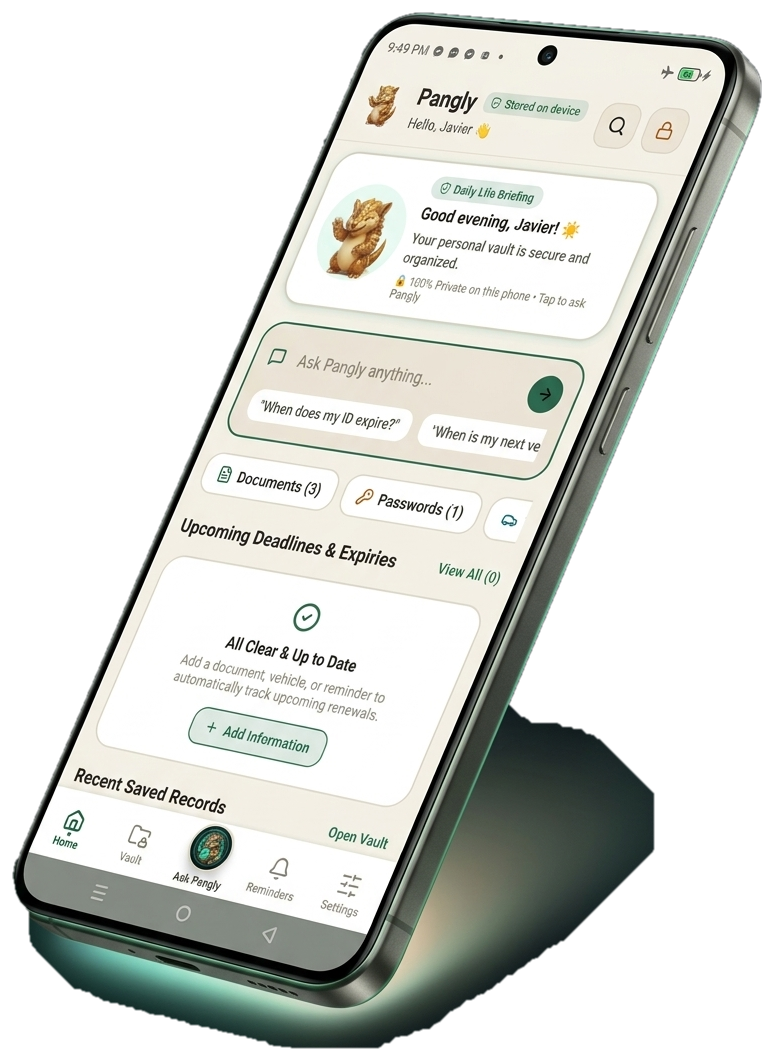

Ask Pangly Anything.
Instant Answers Without Cloud.
Tap any of the sample questions below to simulate how Pangly analyzes your encrypted offline vault in milliseconds using the on-device AI engine.

Designed for Real Life in the Philippines.
Every feature was engineered to solve the real daily headaches of Filipino families, car owners, and privacy-conscious professionals.
Store PhilID, Passports, Senior IDs, and LTO Licenses with Auto-OCR
Tired of digging through photo galleries when transacting with government agencies or banks? Pangly categorizes your Philippine IDs, reads numbers automatically on-device with zero server uploads, and enables instant 1-tap sharing.
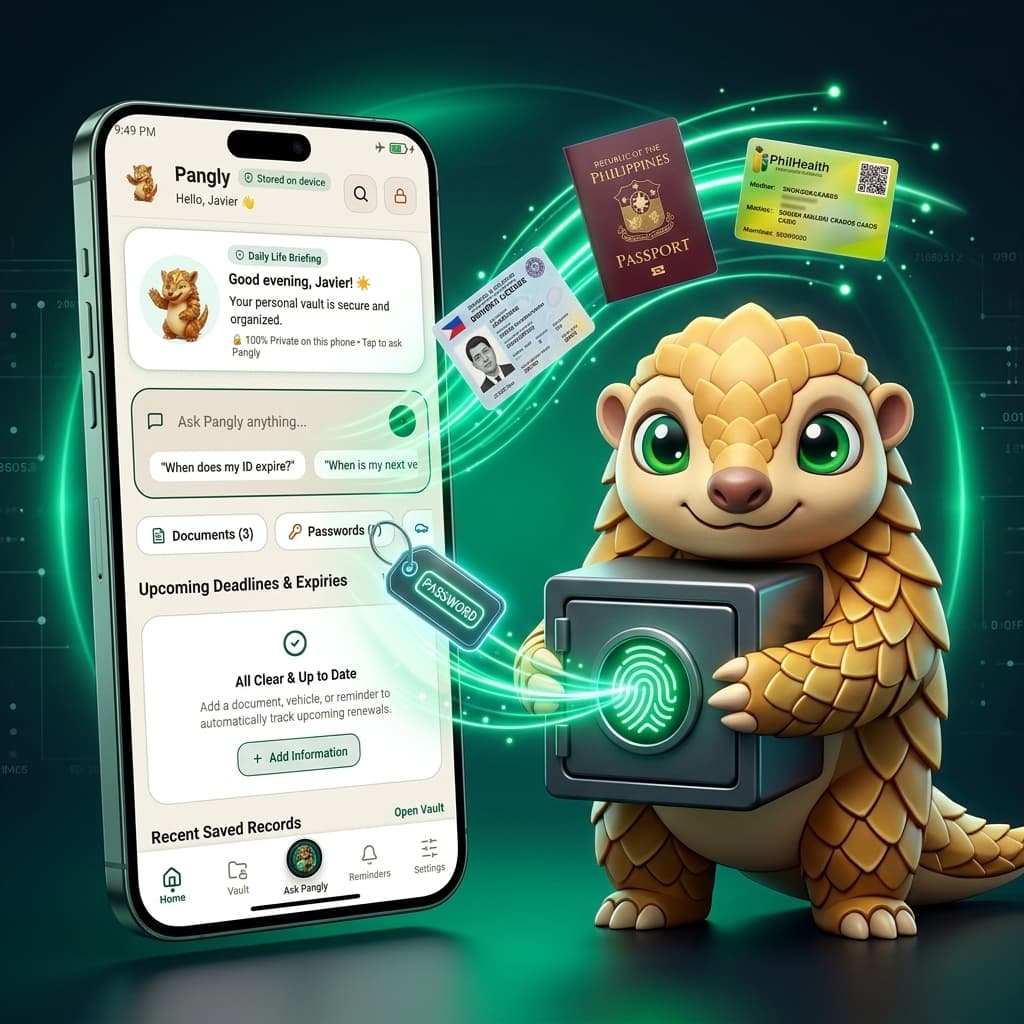
Why Cloud Vaults Put You At Risk.
When a cloud password manager or photo storage company gets hacked, your family’s most sensitive IDs and passwords are exposed. Pangly mathematically removes that risk by having zero backend servers.
How to Install Pangly on Android.
Installing an APK directly is fast and simple. Follow these 3 easy steps to get started in less than two minutes.
Download the APK
Tap the Download button above to save Pangly_v1.3.20.apk (226 MB) directly to your Android device.
Tap "Download Anyway"
Android will show a default alert: "File might be harmful". This appears for all direct APK installs outside Google Play. Tap "Download anyway".
Open & Install
Tap the downloaded file from your browser notification or Downloads folder. If prompted, toggle "Allow from this source", then tap Install.
100% Virus-Free & Safe: Pangly is compiled directly from the open React Native codebase. It requests only essential camera & biometric permissions.
Everything You Need to Know.
Have questions about offline security, file storage, or model performance? We have answers.